
01FEED / DISCOVERY
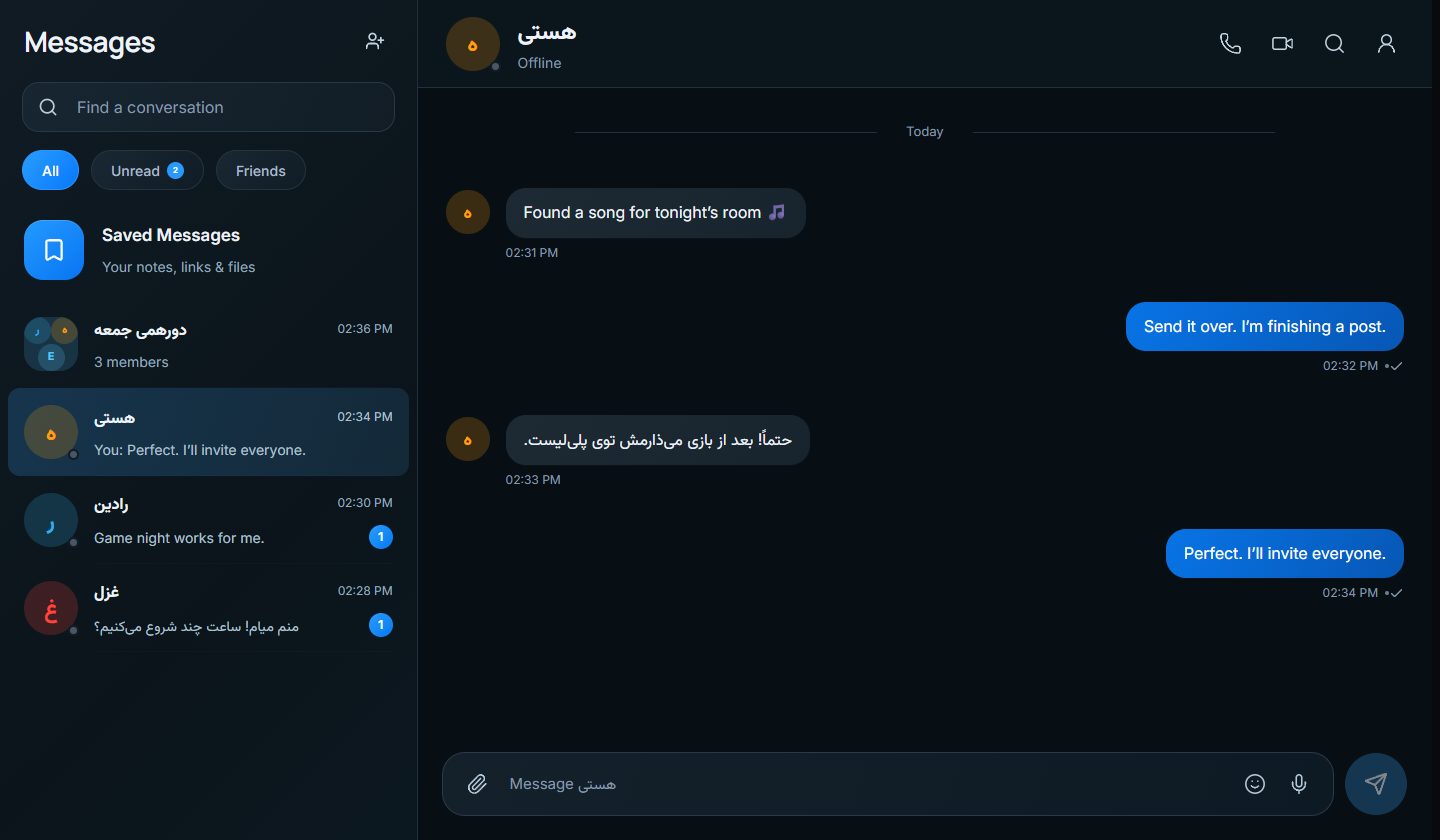
Find the next conversation.
Share posts and media, explore topics, react, reply, and save the moments you want to revisit.
ZAND / ONE PLACE FOR YOUR PEOPLE
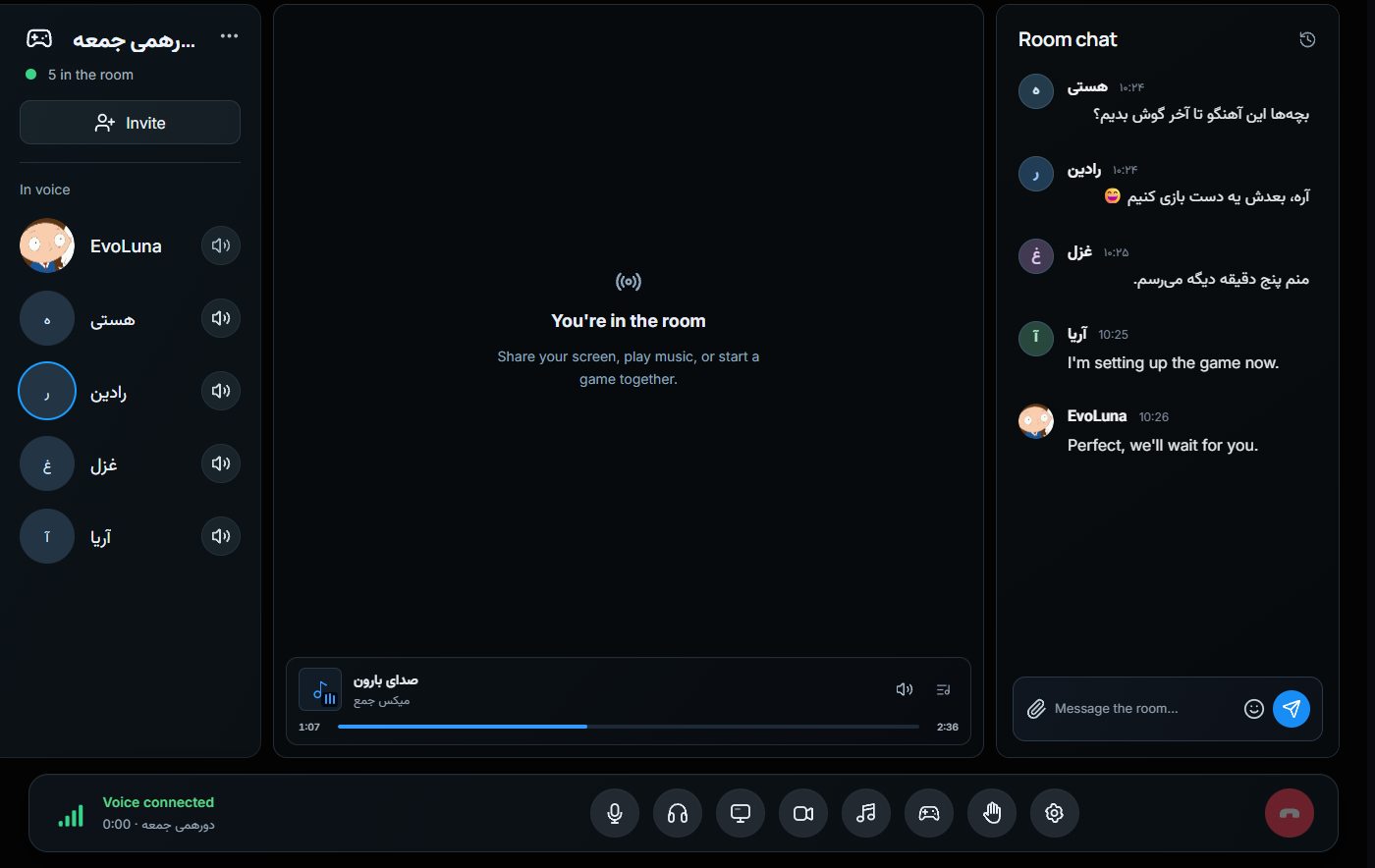
See what friends share, keep conversations going, and drop into voice for music, games, or a shared screen. One place for the moments around the call.
Free to use. An invite code is currently required to create an account.
A post starts a conversation. A message turns into a plan. When everyone arrives, the room is ready.
BEYOND THE ROOM
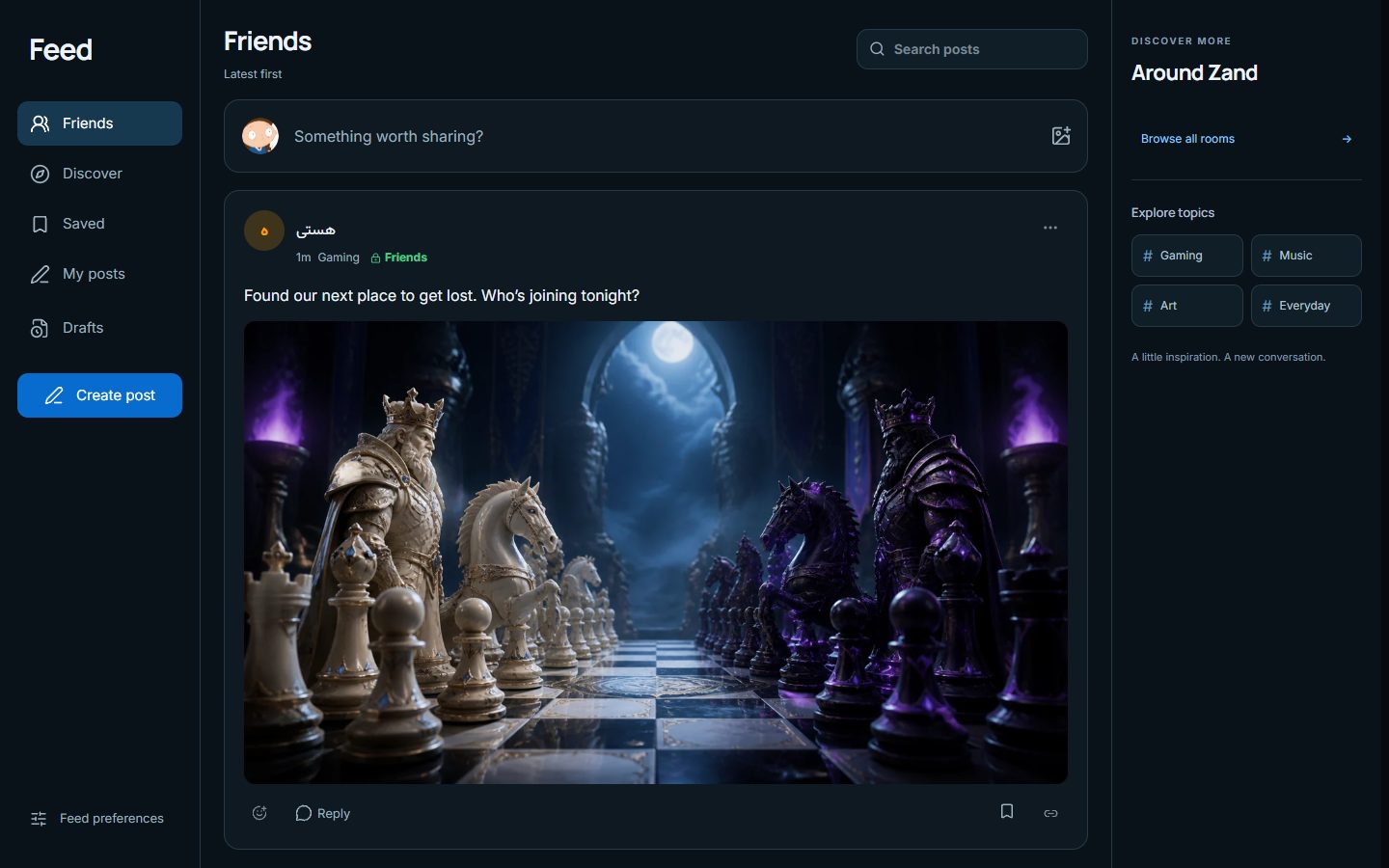
Follow what your friends share, keep a conversation close, and make a corner of Zand your own.
Share posts and media, explore topics, react, reply, and save the moments you want to revisit.
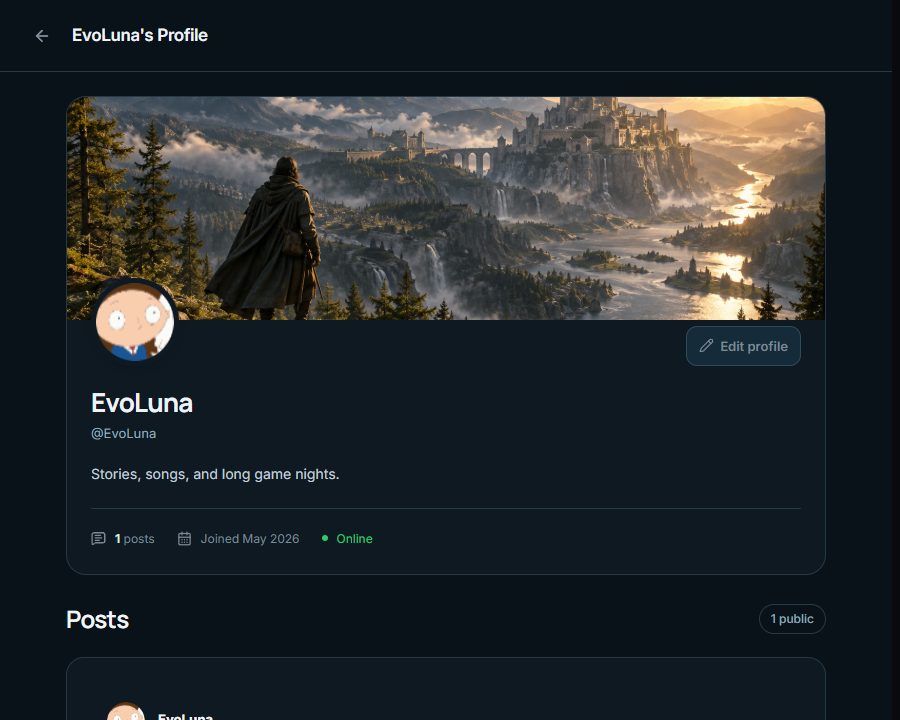
Your photo, banner, bio, presence, and posts give your friends a place to find you between calls.
SOUND / CONNECTION
Audio should fit your voice, your headphones, and the room you are in. Zand gives you clear controls instead of a single sound for everyone.
Choose your output device, set each person’s volume for yourself, and optionally add gentle left/right positioning for headphones.
Test your microphone before joining. Choose unprocessed sound, Clear voice, or lighter noise filtering when available.
Rooms show connection quality and recover from interruptions. Video adapts to the streams you are viewing.
Audio options depend on your device and platform.
The complete desktop experience, including system-level audio controls.
Open your rooms and conversations in a browser.
Take the conversation with you.
Creating an account currently requires an invitation from a Zand member.
GOOD TO KNOW
Zand brings together a friends feed, personal profiles, direct and group messages, and voice and video rooms. Listen to music together, share a screen, or play a game in a room.
Yes. Browse or share posts in Feed, react and reply, build your profile, and keep conversations going in direct messages, private groups, or Saved Messages.
Creating an account currently requires an invite code from a Zand member. Once you are in, join your friends through an in-app room invitation or a room code.
Zand and its Windows and Android apps are currently free to use. Registration is invite-only for now.
Yes. Zand Web covers everyday rooms, voice, messages, and shared music in a browser. The Windows app adds the complete voice engine, global keybinds, and system-level features.
Yes. Room music uses one shared queue and synchronized playback while every listener keeps independent volume control.
Yes, on supported devices and browsers. Share a window or display with source audio, and viewers control stream audio separately from people speaking.
Snake & Ladders, chess, and Zand Eights currently open inside a room while voice and chat remain connected.